Skip to content

    Best Laptops under Kr6,000 for Work in Denmark

    Finding a dependable work laptop under kr6,000 in Denmark means balancing everyday speed with comfort and portability. These picks—the Acer Aspire Go 14, ASUS Vivobook Go 15 and Lenovo IdeaPad Slim 5 (16-inch, Gen 9)—cover compact and larger-screen options for office tasks, study and working on the go.

    Compare processor and graphics classes, memory and storage alongside real-world battery life, keyboard feel, screen quality, weight and useful ports. Specifications and configurations can vary by retailer, so check the exact model before buying, especially if you rely on multiple apps, video calls or external displays.

    Guide updated November 12, 2026. Shop prices have their own check dates.

    3 picks

    Best overall
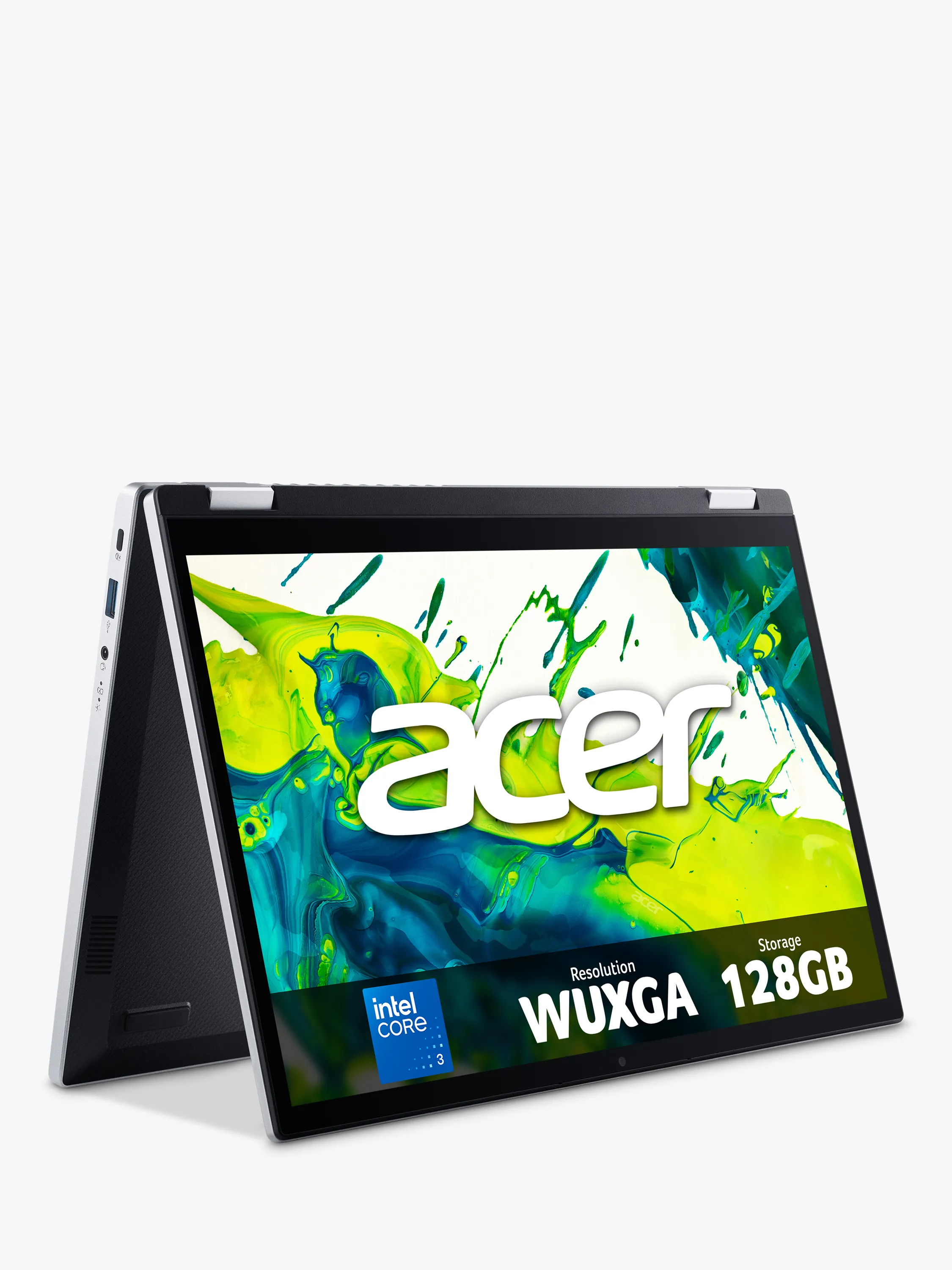
    Acer Aspire Go 14
    Our pick

    Acer Aspire Go 14

    Why it fits you

    • a compact, straightforward laptop for documents, browsing, video calls, and everyday office work.
    • Its 14-inch size is convenient to carry, though 8GB of memory and modest storage leave less room for demanding multitasking than the other two picks.

    est. kr3,499

    Estimated list price — we haven't checked a shop yet.

    Checking shop prices now…

    Prices change often — check the retailer for the current price.

    Key Specs

    Display
    14"
    Processor
    N4000
    Graphics
    Integrated Intel UHD Graphics
    RAM
    4 GB
    Storage
    64 GB
    Battery
    50Wh, up to 10 hours
    Weight
    1.65 kg
    2 alternatives

    Also a strong fit for what you told us.

    ASUS Vivobook Go 15

    ASUS Vivobook Go 15

    Why it fits you

    • the larger screen, 16GB of memory, and 512GB SSD make this a more comfortable everyday work machine for juggling several apps and keeping files locally.
    • It offers more working space and capacity than the Acer, while staying simpler and less performance-focused than the premium option.

    Key Specs

    Display
    15.6-inch IPS 60Hz
    Processor
    AMD Ryzen 5 7520U
    Graphics
    Integrated AMD Radeon 610M
    RAM
    16GB
    Storage
    512GB SSD
    Battery
    42Wh, up to 10 hours
    Weight
    1.63 kg

    est. kr4,499

    Estimated list price — we haven't checked a shop yet.

    Checking shop prices now…

    Prices change often — check the retailer for the current price.

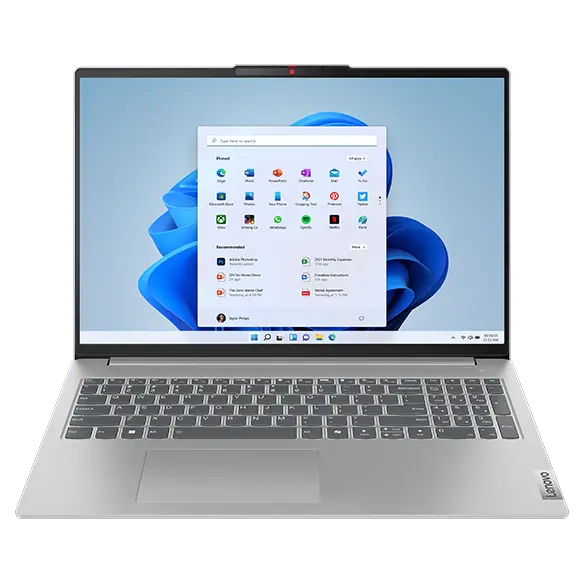
    Lenovo IdeaPad Slim 5 (16-inch, Gen 9)

    Lenovo IdeaPad Slim 5 (16-inch, Gen 9)

    Why it fits you

    • its spacious 16-inch display, capable processor, and 16GB of memory suit heavier office multitasking and long work sessions.
    • Compared with the ASUS, it has a larger screen and a stronger performance class; the ASUS remains a more compact everyday choice, while the Acer is easier to carry.

    Key Specs

    Display
    16-inch IPS 60Hz
    Processor
    AMD Ryzen 5 8645HS
    Graphics
    Integrated AMD Radeon 760M
    RAM
    16GB
    Storage
    512GB SSD
    Battery
    57Wh, up to 11 hours

    est. kr5,799

    Estimated list price — we haven't checked a shop yet.

    Checking shop prices now…

    Prices change often — check the retailer for the current price.

    Some links are affiliate links. If you buy through them, I earn a small commission at no extra cost to you. Thank you for supporting the site!

    WhatDeviceForMe — AI-powered laptop recommendations

    Frequently asked questions

    How much RAM do I need for office work on a laptop under kr6,000 in Denmark?

    For email, documents, browsing and video calls, 8 GB can handle basic workloads, while 16 GB is a more comfortable choice for multitasking. Check whether the memory is upgradeable, as some thin laptops have soldered RAM.

    Can a laptop under kr6,000 handle video calls and Microsoft Office?

    Yes, these tasks are within the capabilities of modern entry-level or midrange laptop processors. For smoother multitasking, look for 16 GB of memory and confirm the model has a suitable webcam and microphone.

    What battery life should I expect from a work laptop in Denmark?

    Battery life varies with screen brightness, video calls, workload and configuration, so published figures may exceed everyday results. Check independent tests for the exact model and plan to bring the charger for a full workday away from a socket.

    Which ports should I check on a productivity laptop?

    Look for USB-A for common accessories, USB-C for newer devices and charging, and HDMI if you connect directly to an external monitor. Port capabilities differ by configuration, so verify whether USB-C supports video output and power delivery.

    More picks for Denmark

    Browse all laptop picks →