Skip to content

    Best Gaming Laptops under Kr3,500 in Denmark

    Finding a gaming laptop under kr3,500 in Denmark means balancing performance with practical trade-offs. The Acer Nitro V 15, MSI Thin 15 and ASUS TUF Gaming A15 are worth comparing for their processor and graphics capabilities, memory, and storage.

    Look beyond headline specs: battery life during gaming is usually limited, while screen quality, keyboard feel, weight and port selection can make a real difference day to day. Check each configuration carefully, as specifications and prices vary between Danish retailers.

    Guide updated November 9, 2026. Shop prices have their own check dates.

    3 picks

    Best overall
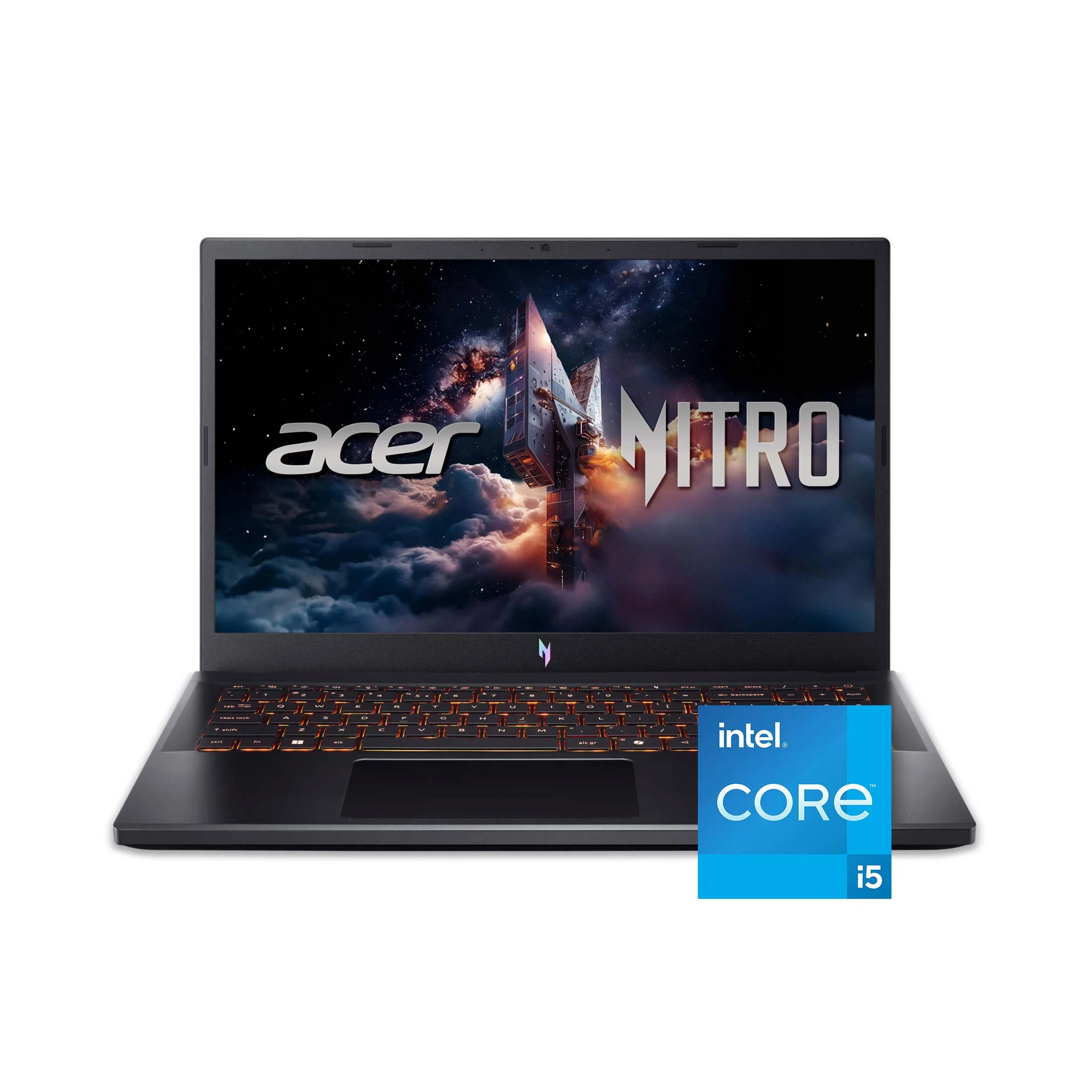
    Acer Nitro V 15
    Our pick

    Acer Nitro V 15

    Why it fits you

    • The Acer Nitro V 15 delivers solid mobile gaming capabilities well within your budget.
    • It features a reliable dedicated graphics card and a smooth high-refresh-rate display to handle modern titles on the go.
    • Compared to more expensive options, it offers an exceptionally affordable entry point into gaming laptops without sacrificing essential performance.

    est. kr3,199

    Estimated list price — we haven't checked a shop yet.

    Checking shop prices now…

    Prices change often — check the retailer for the current price.

    Key Specs

    Display
    15.6"
    Processor
    270H
    Graphics
    Nvidia RTX 2050 4GB
    RAM
    16 GB
    Storage
    512 GB
    Battery
    76 Wh
    Weight
    2.11 kg

    2 alternatives

    Also a strong fit for what you told us.

    MSI Thin 15

    MSI Thin 15

    Why it fits you

    • The MSI Thin 15 strikes an impressive balance between portability and gaming power.
    • Its dedicated graphics setup ensures decent frame rates for your favorite games while maintaining a slim and lightweight chassis. It stands as a fantastic middle-ground choice compared to the other options, offering a slight graphical bump while staying comfortably under your price limit.

    Key Specs

    Display
    15.6"
    Processor
    i5-10300H
    Graphics
    Nvidia RTX 3050 4GB
    RAM
    16 GB
    Storage
    512 GB
    Battery
    52 Wh
    Weight
    1.86 kg

    est. kr3,299

    Estimated list price — we haven't checked a shop yet.

    Checking shop prices now…

    Prices change often — check the retailer for the current price.

    ASUS TUF Gaming A15

    ASUS TUF Gaming A15

    Why it fits you

    • The ASUS TUF Gaming A15 provides robust build quality and dependable gaming performance for the price.
    • It utilizes an efficient processor paired with dedicated graphics to handle mobile gaming sessions reliably. As the most premium option on our list, it maximizes your budget to deliver a sturdy, performance-focused machine.

    Key Specs

    Display
    15.6-inch IPS 144Hz
    Processor
    AMD Ryzen 5 7535HS
    Graphics
    Nvidia RTX 2050 4GB
    RAM
    16GB
    Storage
    512GB SSD
    Battery
    48Wh, up to 6h
    Weight
    2.30 kg

    est. kr3,399

    Estimated list price — we haven't checked a shop yet.

    Checking shop prices now…

    Prices change often — check the retailer for the current price.

    Some links are affiliate links. If you buy through them, I earn a small commission at no extra cost to you. Thank you for supporting the site!

    WhatDeviceForMe — AI-powered laptop recommendations

    Frequently asked questions

    Can a gaming laptop under kr3,500 run modern games?

    Some can handle popular games at modest settings, but performance depends on the exact processor, graphics hardware and memory configuration. Check independent tests for the games and resolution you use.

    How much RAM should I look for in a budget gaming laptop in Denmark?

    For a smoother experience, look for 16 GB of RAM or a model that can be upgraded to it. Some configurations at this price may have less, so verify the memory capacity and upgrade options before buying.

    How long does a gaming laptop battery last while gaming?

    Gaming on battery typically drains power quickly, so expect substantially less runtime than for light browsing or video playback. For longer gaming sessions, plan to use the included charger.

    What ports should a gaming laptop have for a monitor and accessories?

    Useful ports include HDMI or DisplayPort-capable USB-C for an external monitor, plus USB-A for a mouse or headset. Check the specific laptop configuration, as port types and capabilities can vary by model.

    More picks for Denmark

    Browse all laptop picks →