Skip to content

    Best Student Laptops under $2,200 in the United States

    Students in the United States need a laptop that can handle lectures, research, creative projects, and time on campus without being a burden to carry. These picks cover two different approaches: the Apple MacBook Air 15-inch (M5) for everyday study and portability, and the ASUS ROG Zephyrus G14 (2024) for students who need stronger graphics performance.

    Compare processor and GPU capabilities, memory and storage configurations, and battery life in real-world use—not just manufacturer claims. Screen quality, keyboard comfort, weight, and useful ports also matter when choosing a laptop for classes, study sessions, and life beyond campus.

    Guide updated October 23, 2026. Shop prices have their own check dates.

    2 picks

    Best overall
    Apple MacBook Air 15-inch (M5)
    Our pick

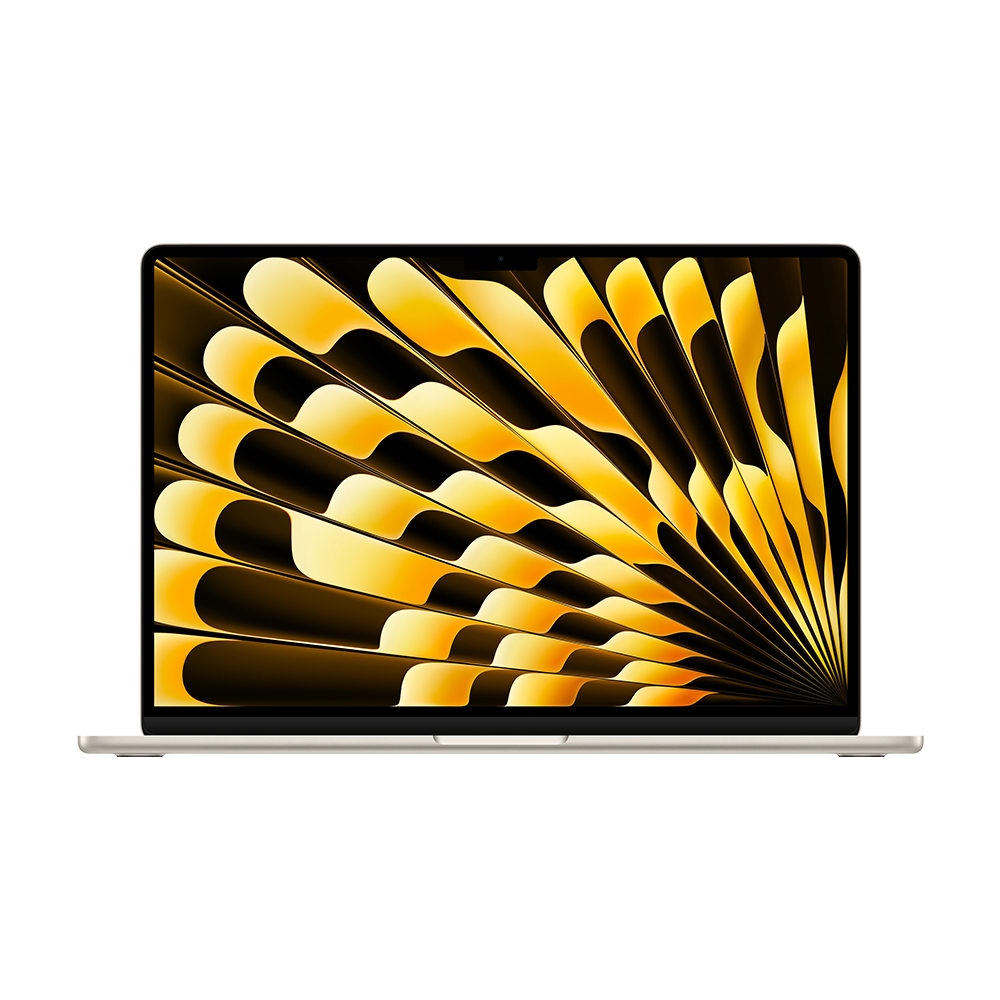
    Apple MacBook Air 15-inch (M5)

    Why it fits you

    • A roomy, lightweight screen makes reading course materials, taking notes, and working with several windows comfortable, while the M5 offers responsive performance for everyday study and creative projects.
    • Its quiet, fanless design and long battery life suit classes and library sessions.
    • Compared with the gaming-focused ASUS, it is more portable and simpler for all-day coursework; the ASUS is stronger for graphics-heavy work, while this MacBook offers a larger screen than a compact ultraportable.

    est. $1,499

    Estimated list price — we haven't checked a shop yet.

    Checking shop prices now…

    Prices change often — check the retailer for the current price.

    Key Specs

    Display
    15.3-inch Liquid Retina 60Hz
    Processor
    Apple M5, 10-core CPU
    Graphics
    Integrated 10-core GPU
    RAM
    16GB unified memory
    Storage
    512GB SSD
    Battery
    66.5Wh, up to 18 hours
    Weight
    1.51 kg

    1 alternative

    Also a strong fit for what you told us.

    ASUS ROG Zephyrus G14 (2024)

    ASUS ROG Zephyrus G14 (2024)

    Why it fits you

    • This compact laptop combines a sharp OLED screen with substantial graphics capability, making it useful for coursework as well as engineering, design, and other GPU-intensive projects.
    • Its small footprint is easier to carry than a larger gaming laptop, though demanding tasks can bring more fan noise and shorter battery life than the MacBook Air. It is the more versatile performance choice here, while the MacBook favors quiet portability and the premium Windows option prioritizes a larger display.

    Key Specs

    Display
    14-inch OLED 120Hz
    Processor
    AMD Ryzen 9 270
    Graphics
    NVIDIA GeForce RTX 5070
    RAM
    32GB
    Storage
    1TB SSD
    Battery
    73Wh, up to 10 hours

    est. $2,200

    Estimated list price — we haven't checked a shop yet.

    Checking shop prices now…

    Prices change often — check the retailer for the current price.

    Some links are affiliate links. If you buy through them, I earn a small commission at no extra cost to you. Thank you for supporting the site!

    WhatDeviceForMe — AI-powered laptop recommendations

    Frequently asked questions

    Is a MacBook Air or ASUS ROG Zephyrus G14 better for college students?

    The MacBook Air 15-inch (M5) suits students who prioritize a large screen, portability, and everyday study tasks. The Zephyrus G14 is a better fit for graphics-intensive coursework, gaming, or applications that benefit from a dedicated GPU.

    How much RAM does a student laptop under $2,200 need?

    For browsing, documents, and video calls, 16 GB of RAM is a practical baseline. Students using demanding creative, engineering, or development software may benefit from 32 GB, depending on the laptop configuration.

    How long does a student laptop battery last during a day of classes?

    Battery life varies with screen brightness, Wi-Fi, applications, and workload, so independent real-world tests are more useful than advertised maximums. Check tests that reflect web browsing and productivity, and consider carrying a charger for demanding work.

    Which ports should I look for in a laptop for college?

    USB-C is useful for charging and connecting modern accessories, while USB-A, HDMI, and a headphone jack can reduce the need for adapters. Check the exact port selection on each configuration before buying.

    More picks for United States

    Browse all laptop picks →