Skip to content

    Best Laptops Under €450 for Creative Work in the Netherlands

    Creative work on a €450 laptop means choosing carefully. Our Netherlands picks balance processor and graphics performance with enough memory and storage for photo editing, design tasks, study projects and everyday productivity.

    We compare the Acer Aspire Go 15, Lenovo IdeaPad Slim 3 15 and ASUS Vivobook Go 15 for real-world battery life, keyboard and screen quality, portability and practical ports. These affordable laptops are best suited to lightweight creative workflows rather than demanding video production or 3D rendering.

    Top 3 picks

    Best Overall
    AI-picked
    Lenovo IdeaPad Slim 3 15

    Lenovo IdeaPad Slim 3 15

    Top match score92%

    Why we picked this

    Best Overall: A balanced creative-work laptop with a sharper-performing processor, twice the storage of the cheapest pick, and a comfortable 15.6-inch display. It is a stronger all-round choice for photo adjustments, office work, web tools, and light creative applications, though demanding video editing and 3D work remain beyond its strengths.

    Key Specs

    Display
    15.6-inch IPS 60Hz
    Processor
    AMD Ryzen 5 7520U
    Graphics
    Integrated AMD Radeon 610M
    RAM
    8GB
    Storage
    512GB SSD
    Battery
    up to 11h

    Where to buy

    est. €399
    Search on Amazon.com

    Prices change often — check the retailer for the current price.
    Best Value
    AI-picked
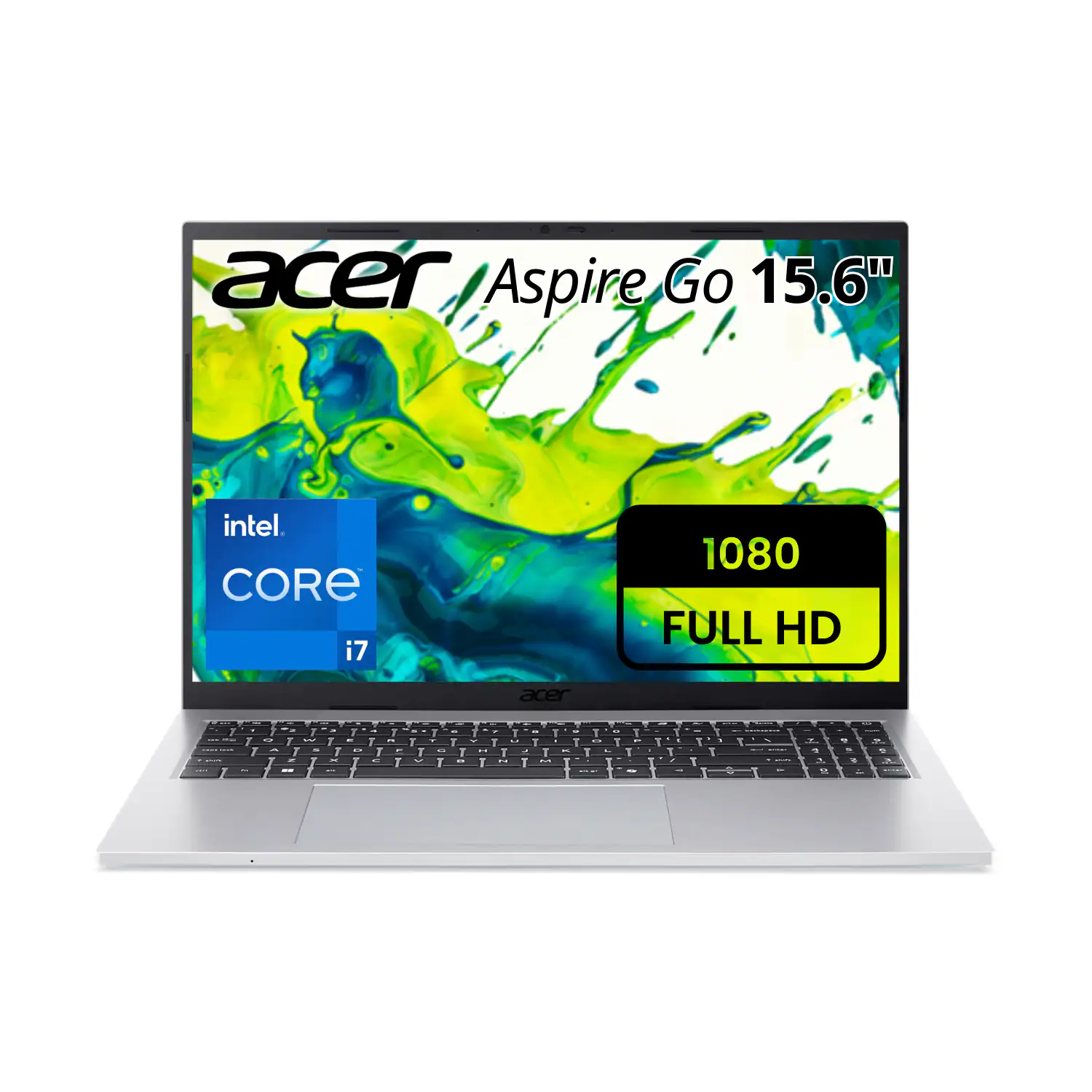
    Acer Aspire Go 15

    Acer Aspire Go 15

    Top match score85%

    Why we picked this

    Best Value: The lowest-cost option here, with a roomy 15.6-inch screen and an SSD that keeps everyday creative work responsive. It is suitable for writing, browsing, light photo editing, and simple design tasks, although its modest memory and integrated graphics limit heavier projects.

    Key Specs

    Display
    15.6-inch IPS 60Hz
    Processor
    Intel Core i3-N305
    Graphics
    Integrated Intel UHD Graphics
    RAM
    8GB
    Storage
    256GB SSD
    Battery
    up to 10h

    Where to buy

    est. €349
    Search on Amazon.com

    Prices change often — check the retailer for the current price.

    Premium Pick
    AI-picked
    ASUS Vivobook Go 15

    ASUS Vivobook Go 15

    Top match score88%

    Why we picked this

    Premium Pick: The most capable configuration for multitasking, offering 16GB of memory and 512GB SSD storage in a portable 15.6-inch design. That extra memory helps when keeping creative apps and browser tabs open together; however, the integrated graphics and standard display still make it better for light-to-moderate creative work than professional video or 3D production.

    Key Specs

    Display
    15.6-inch IPS 60Hz
    Processor
    AMD Ryzen 5 7520U
    Graphics
    Integrated AMD Radeon 610M
    RAM
    16GB
    Storage
    512GB SSD
    Battery
    up to 11h

    Where to buy

    est. €449
    Search on Amazon.com

    Prices change often — check the retailer for the current price.

    Some links are affiliate links. If you buy through them, I earn a small commission at no extra cost to you. Thank you for supporting the site!

    WhatDeviceForMeAI-powered laptop recommendations

    Frequently asked questions

    Which laptop under €450 is best for photo editing in the Netherlands?

    The Acer Aspire Go 15, Lenovo IdeaPad Slim 3 15 and ASUS Vivobook Go 15 can handle light photo editing, especially when configured with 8GB or more memory and an SSD. For larger RAW files or complex layers, choose the model with the strongest processor and upgradeable memory where available.

    Can a laptop under €450 handle video editing?

    These laptops are suitable for basic 1080p editing, short projects and social media clips, but integrated graphics and limited memory can slow demanding timelines. Use proxy media, keep projects on the SSD and avoid expecting smooth 4K or advanced effects performance.

    How much RAM and storage do I need for creative work on a budget laptop?

    Aim for at least 8GB of RAM and a 256GB SSD, although 16GB and 512GB provide a more comfortable experience for creative applications. Check whether memory can be upgraded before buying, because some affordable laptops have soldered RAM.

    Are budget laptop screens good enough for creative work?

    They are generally fine for writing, browsing and casual editing, but colour coverage and brightness can vary significantly. Look for an IPS display with Full HD resolution, and consider an external calibrated monitor if accurate colour matters for professional creative work.

    More picks for Netherlands

    Browse all laptop picks →